KayLoL apps
Two apps, both in testing and neither with a public download yet. Each has its own page with screenshots, what it reads and keeps, and how to ask for it. The site itself needs nothing installed.
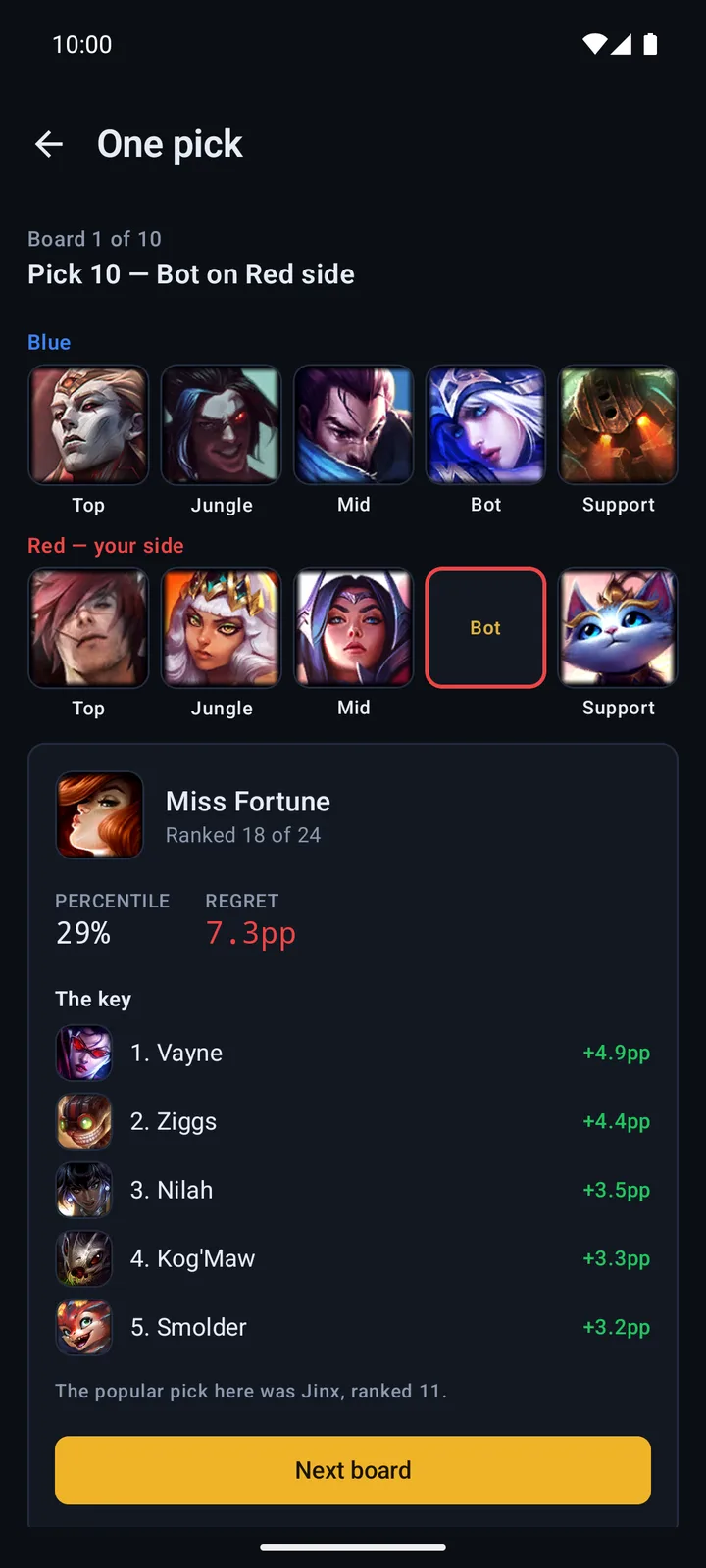
Android app
In testing · testers only, not in the Play Store
A native app for Android phones and tablets: the daily board, One pick, the draft arena and the Draft page, plus friends you can challenge.
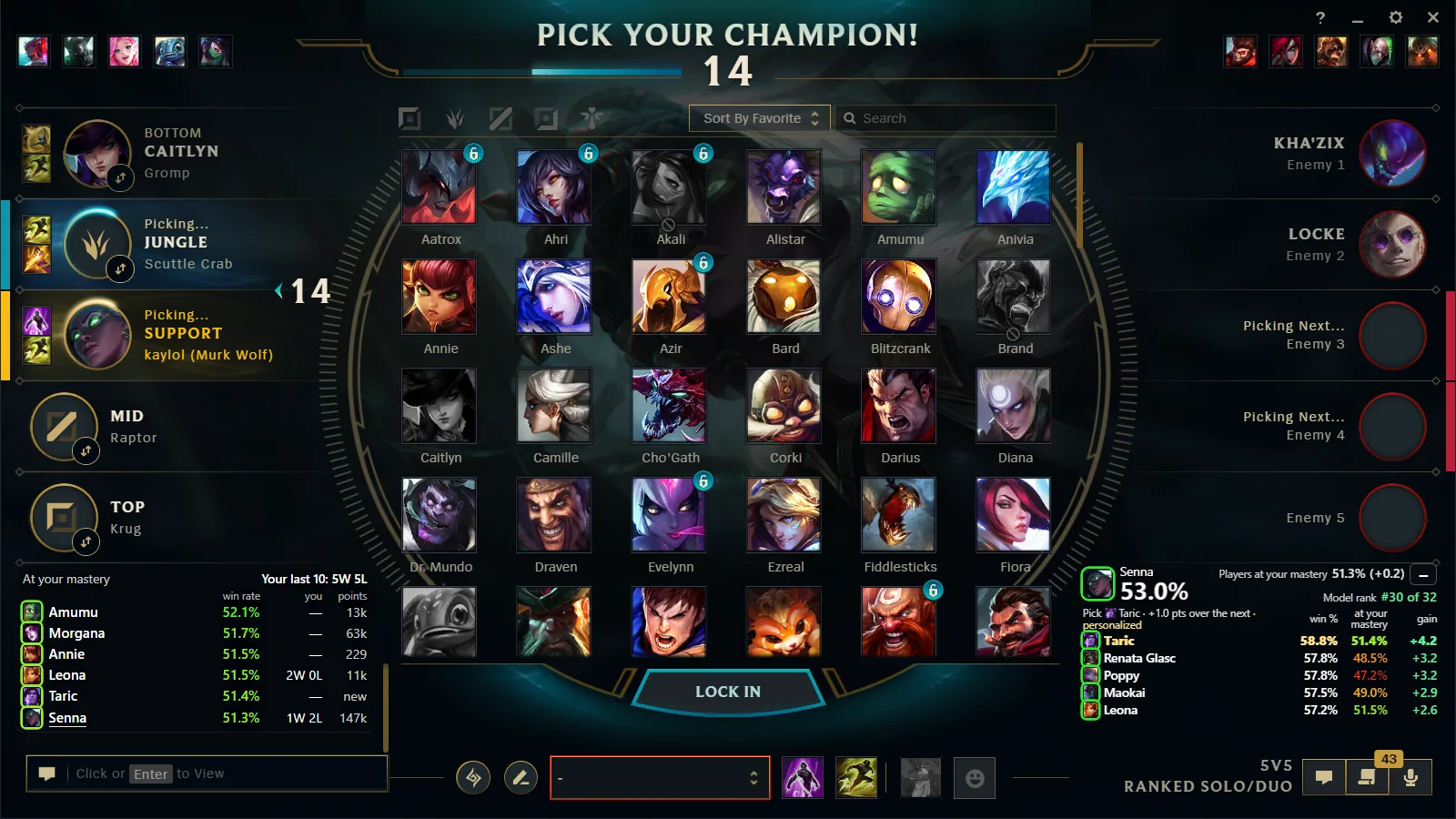
Desktop companion for Windows
Private Beta · invited testers only, no public download
A separate program for Windows that reads champion select from the League client on your own PC and shows the win probability over it.
Or add the site to your Home Screen
Nothing to install: add KayLoL to your Home Screen for its own icon and a faster way back to your draft. On iPhone — and on Android when Chrome offers Install app — it opens separately from your everyday browser tabs, like an app.
iPhone and iPad
Open KayLoL in Safari. Tap Share, scroll to Add to Home Screen, turn on Open as Web App if Safari shows the switch, then tap Add.
Android (Chrome)
Open KayLoL in Chrome. Tap the three-dot menu and choose Install app when it appears. Otherwise choose Install and create shortcut, then tap Add to keep KayLoL one tap away.
Already installed?
Launch KayLoL from its Home Screen icon next time. Your browser may use slightly different labels after an update, but look for Install, shortcut, or Add to Home Screen.
Native apps are in the works
The Android app above is in testing and is not in the Play Store yet. For iPhone, iPad, macOS and Windows, what you can add today is the web app shortcut described here; native apps for those are still being built. Nothing needs to be installed to use the site.